As usual:
Trumps_Claims.ipynb with standard setup code and create subfolders orig, data, and output. orig folder.df and verify import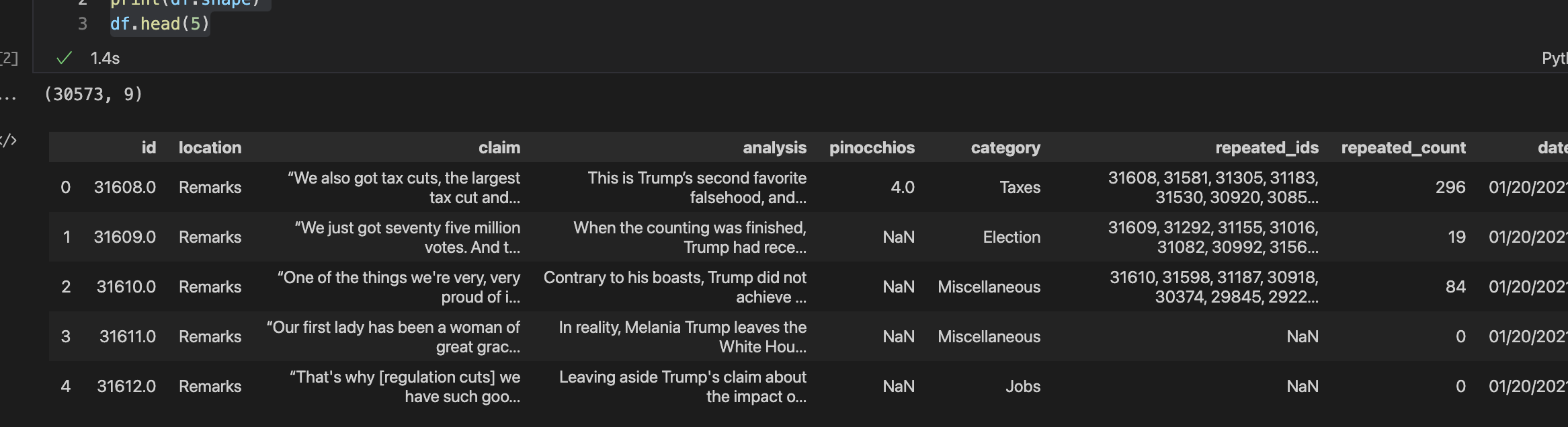
topicUsing
1 | |
you should see that there are 18 topics ranging from 3,225 claims on Immigration down to 72 claims on Terrorism. There are also 169 unallocated claims. We could give them a separate topic, say Unknown, but to keep things easy we will just drop them.
We are going to use NLK to perform the text processing, so first you need to install this. Also when using NLTK you will be prompted to install additional components as you work through the practical.
1 2 3 4 5 6 7 | |
The column claim contains the source text that we need to clean.
This is a standard task so I would typically wrap the steps in a function called clean_text which would have the following outline
1 2 3 4 5 6 7 8 9 10 11 12 13 14 | |
Test this function using sample entries from the claim column. For example

Next we create a column in the dataframe to contain the tokens (this takes about 18s)
1 | |
In natural language processing an n-gram is a contiguous sequence of n items generated from a given sample of text where the items can be characters or words and n can be any numbers like 1, 2, 3, etc.
We can generate ngrams using NLTK but since we are going to use a separate library, gensim, for topic modelling so we will use this library for generating ngrams.
Gensim is a Python library for topic modelling, document indexing and similarity retrieval with large corpora.
1 2 | |
First we select the (cleaned/tokenised) documents that we wish to process
1 | |
Next we generate the bigrams — pairs of tokens — using
1 | |
using bigram.export_phrases() we can see the generate bigrams

The trigrams are generated from the bigrams using
1 | |
Next wrap the bi/tri-grams in a function such as
1 2 3 | |
and then create a new column in the dataframe using
1 | |
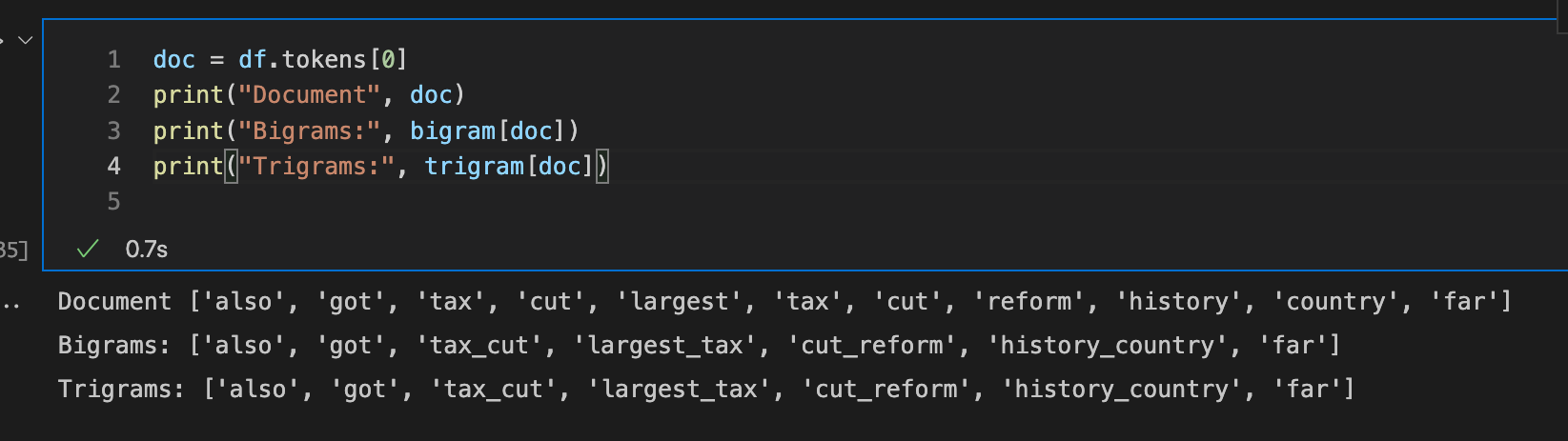
To see the bi/tri-gram for a single document (claim) use (note no trigrams were generated)